See the people you are meeting
Choose Video when creating a meeting. Participants control their own cameras and microphones, while the organiser manages admission and participation.
PLANZIC · Video
Video meetings bring people, cameras and presentations into a scheduled room with organiser-controlled admission.
Personal guest links · Browser access · Prepaid credit

Participants control their microphones and cameras.
Guests request permission to present.
Exact participant rate for a 60-minute Video slot.
THE MEETING EXPERIENCE, EXPLAINED
Choose Video when creating a meeting. Participants control their own cameras and microphones, while the organiser manages admission and participation.
Present a screen or supported window to explain a proposal, review a design or walk through a document. Guests raise a hand to request sharing. One person shares at a time.
Each person opens their personal browser link, sees the meeting details and enters according to the selected admission rule. No guest registration or separate entry code is required.
Participants can make supported local audio or video-and-audio recordings without an additional recording fee. Organisers can select paid cloud audio or video-and-audio recording.
Video costs US$0.36 per participant for a 60-minute slot before combined-total rounding. Other allowed durations scale proportionally. Turning cameras off does not reduce the Video rate.
The organiser pays for everyone who enters, including themselves. Leaving early, disconnecting or reconnecting does not reduce the full-slot charge or add another initial-slot charge.
An organiser and three clients join a 60-minute Video meeting to review a proposal. Without cloud recording, the exact participant total is US$1.44; the final meeting charge is US$1.50.
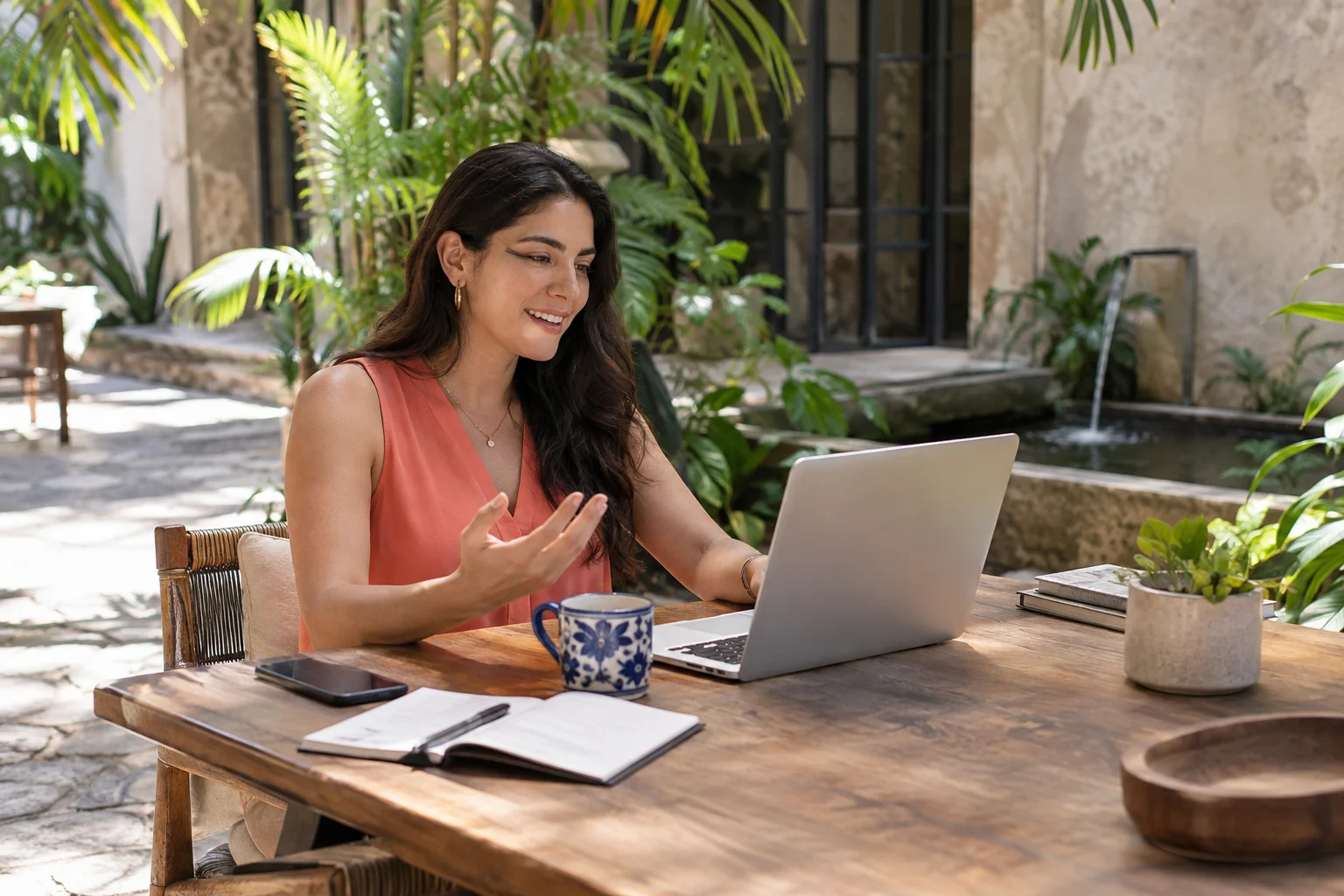
A BETTER CONVERSATION STARTS EARLIER
Send the relevant context before people join. When it is time to present, choose the screen or supported window that contains the work and keep unrelated personal information outside the shared view.
One active share gives the conversation a clear focus. A guest requests permission to present, and the organiser decides when to hand over. Participants continue to control their own camera and microphone.
Budget for the booked Video type even if a participant keeps their camera off. The full-slot participant rate applies to each distinct person who enters; the rate is not reduced by fewer minutes or fewer active cameras.
MAKE SPACE FOR THE PEOPLE
The right context helps people arrive ready. Explain the purpose, give guests useful links and select the admission, meeting type and duration that support the conversation.
Controls →
PLANZIC, A WILLFRED PRODUCT
Set a time, prepare the invitation and choose how to welcome your guests.