When voice is enough
Use Audio for a phone-style consultation, interview, tutoring session or team check-in. Participants use microphones; Audio meetings do not include cameras or screen sharing.
PLANZIC · Audio
Audio meetings keep attention on what people say. Schedule a voice discussion with personal invitations, guest admission and the same clear slot pricing.
Personal guest links · Browser access · Prepaid credit
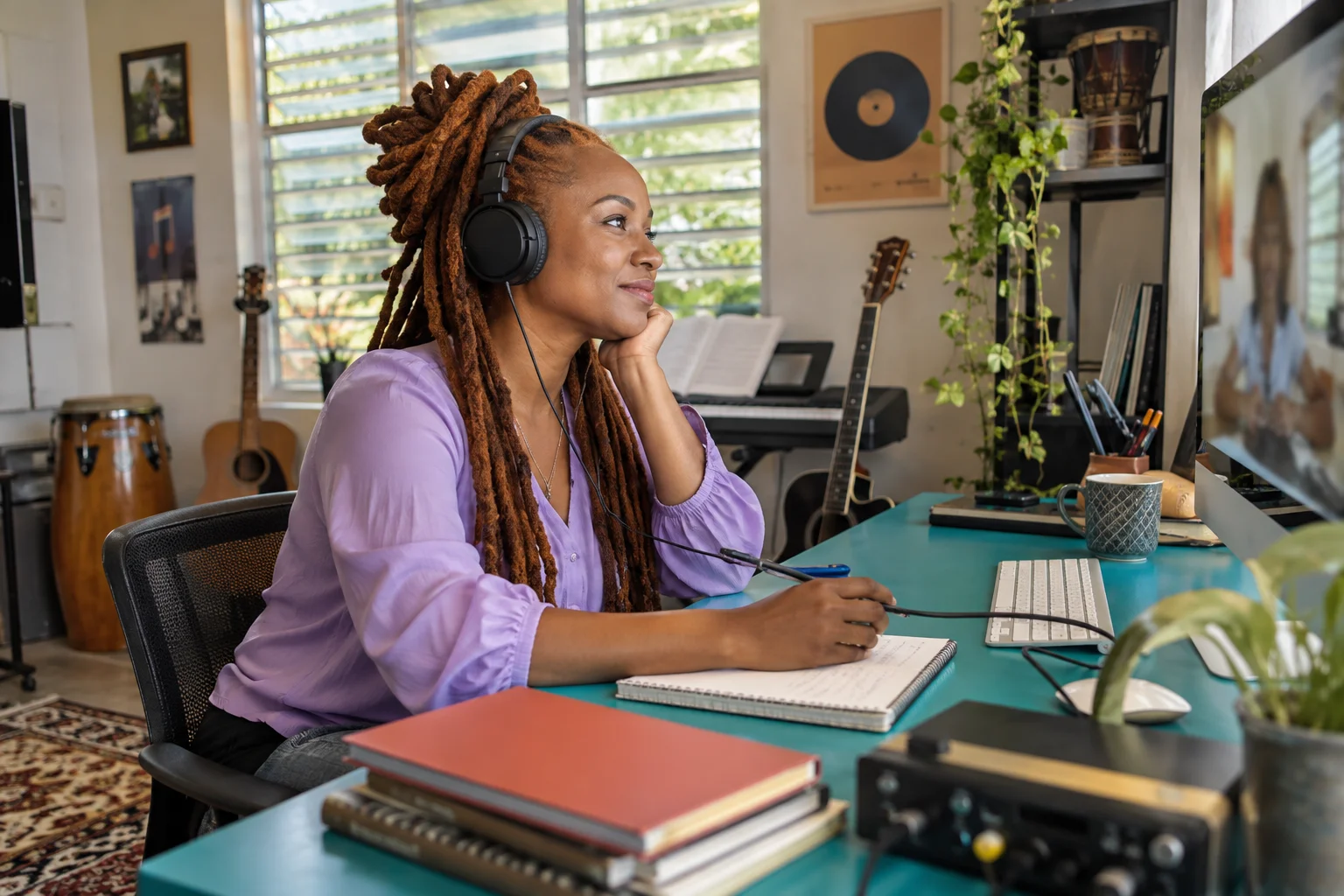
A microphone conversation without cameras or screen sharing.
Exact participant rate for a 60-minute Audio slot.
Late entry does not move the booked finish.
THE MEETING EXPERIENCE, EXPLAINED
Use Audio for a phone-style consultation, interview, tutoring session or team check-in. Participants use microphones; Audio meetings do not include cameras or screen sharing.
Set the meeting details and guest names. Guests open their links in a browser and follow the countdown and admission process without registering.
Participants can speak by default and control their own microphones. The organiser can mute or remove a participant and close the meeting. Text and links remain available when chat is enabled.
Participants can save supported audio locally without an extra recording fee. Organisers can choose cloud audio recording, with the file delivered to their private dashboard and 30 days of storage included.
The exact participant rate is US$0.09 for a 60-minute Audio slot, scaled to the chosen duration. Each person who enters, including the organiser, counts for the full booked slot.
A 60-minute Audio meeting with four joined participants has an exact meeting charge of US$0.36 and a final US$0.40 total without cloud recording. Planzic rounds the combined meeting total upward to US$0.10.
Joining late does not move the booked end. Reconnecting does not create a second initial-slot charge. Extend by an additional 15 or 30 minutes when permitted.
A BETTER CONVERSATION STARTS EARLIER
Audio works well when people need to listen, ask questions and compare ideas. Put the context in the invitation, choose a realistic duration and ask participants to find a quiet place with a working microphone.
Text and links can support the discussion when chat is enabled. They do not add screen sharing or cameras to an Audio meeting. Use Video when a demonstration or visual presentation is central to the work.
The booked slot keeps the end time predictable. A participant joining late still incurs the full slot and does not move the end; any extra time requires an allowed paid extension.
MAKE SPACE FOR THE PEOPLE
The right context helps people arrive ready. Explain the purpose, give guests useful links and select the admission, meeting type and duration that support the conversation.
Pricing →
PLANZIC, A WILLFRED PRODUCT
Set a time, prepare the invitation and choose how to welcome your guests.