Make it easy to reach you
A misplaced bag, a blocked driveway or a car with its lights left on can become a simple conversation. Give the person who notices a clear way to contact you.
A SMALL CODE. A HUMAN CONNECTION.
Hontra helps people reach the right owner through a QR code. Attach a code to your car, luggage, belongings or property. Someone who notices a problem or finds an item scans it and starts a private browser conversation with you.
QR contact pages · Browser chat · Email alerts

A code opens a browser contact page.
The visitor describes the item or situation.
The owner sees an email alert and replies.
FROM A PHYSICAL LABEL TO A HUMAN REPLY
Someone notices a problem. A finder picks up a belonging. A visitor needs the responsible person. Give them a practical contact route at the place that matters.
A Hontra QR code gives someone a way to reach you at the moment they notice something.
Learn more →A QR scan opens a browser conversation between the visitor and the owner.
Learn more →A useful QR code needs a practical way to bring the conversation to its owner.
Learn more →Hontra separates a public QR contact point from the owner’s personal contact details.
Learn more →THE CONTACT EXPERIENCE, EXPLAINED
A misplaced bag, a blocked driveway or a car with its lights left on can become a simple conversation. Give the person who notices a clear way to contact you.
Your QR code opens a contact page instead of displaying your personal phone number or email address. Talk through Hontra without handing your contact details to everyone who passes by.
The scanner opens the code in a phone browser and sends a message. You can use Hontra through your browser, with email alerts bringing new messages to your attention.
Use Hontra for vehicles, personal belongings, homes and business contact points. Each placement gives people a practical reason to reach the owner.
Save the complete chat when you need a record of what was reported, agreed or returned.
THE MOMENT THE CODE BECOMES USEFUL
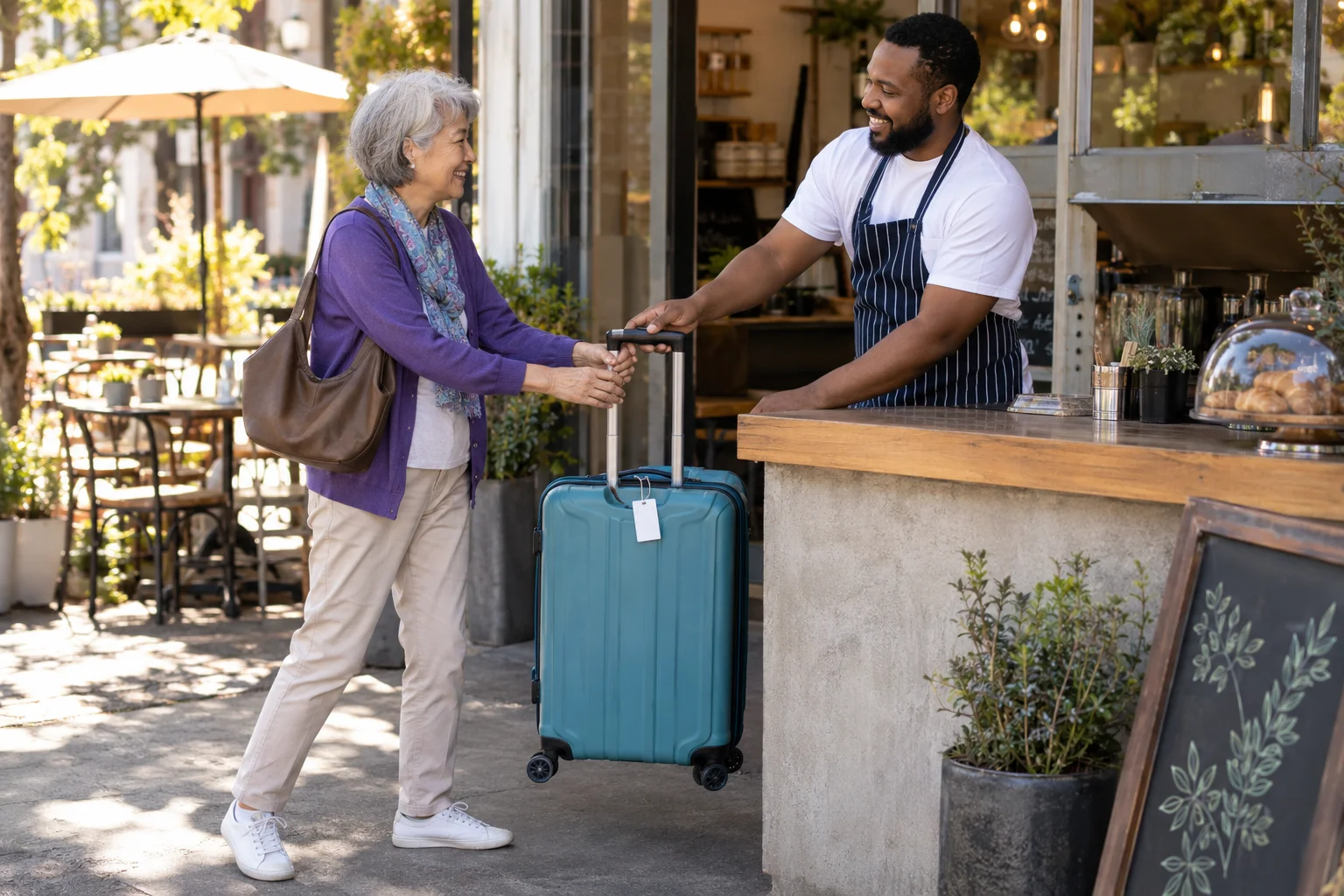
A finder should not have to search for a name, guess which person owns an item or read a private number from a label. A clear instruction beside the code gives them a practical next step: scan, explain the situation and reach the owner in a browser.
The placement supplies context. A code on a suitcase is about a found bag; a vehicle label is about that car; a code near a property entrance is about the location. Choose wording that makes the reason for contact easy to understand.
Hontra helps begin the conversation. The people involved still decide how to resolve the situation, what information to share and whether a saved copy of the exchange is useful.
How it works →A WILLFRED PRODUCT
Explore how the code, browser conversation and email alert work together. Hontra is a Willfred product, with shared company contact and privacy information.