START WITH A PERSON, NOT A FEATURE

Who would you
like to talk to?

Different conversations need different tools. These are everyday ways you might use Arleyo, from an adult family member abroad to a small team discussing its next step.

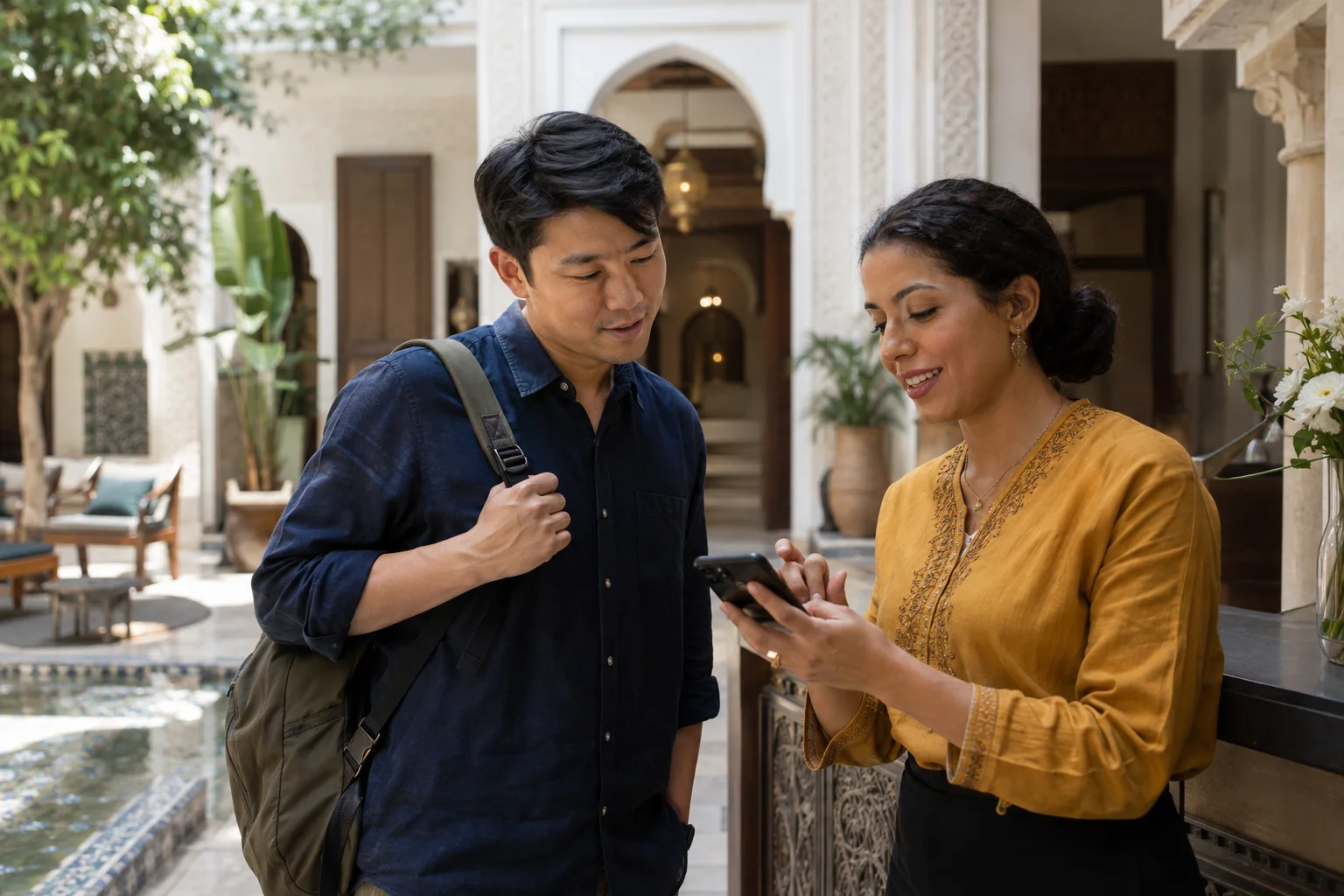
A traveller and another person looking at a smartphone outside a building
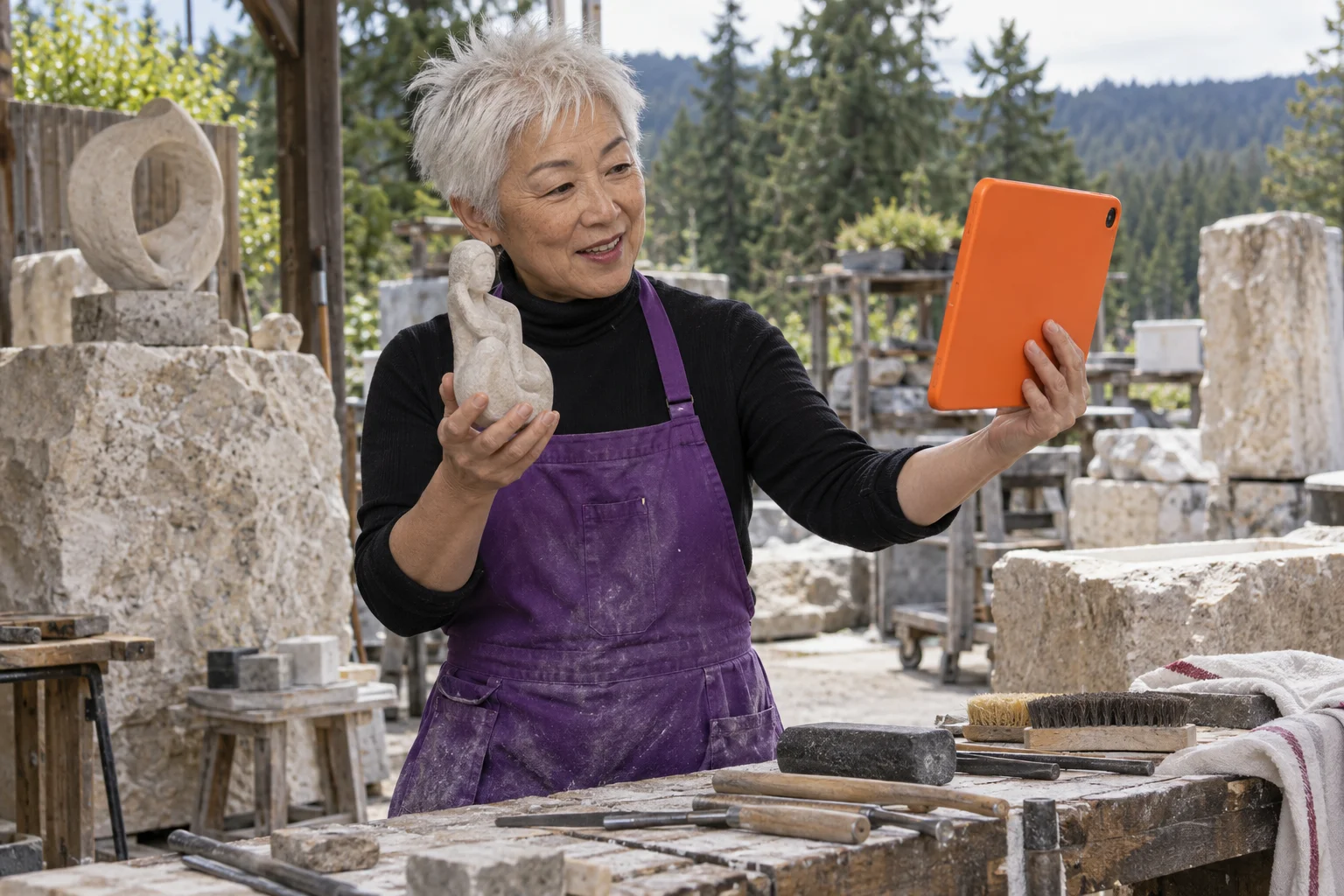
An older sculptor with spiky white hair and a purple apron holding a stone sculpture and an orange tablet in an outdoor workshop

LET THE CONVERSATION SHAPE THE TOOLS

Some things are easier
to talk through.

When you’re making something, planning a visit or asking a practical question, a voice can add context that a short message misses. Choose audio when the discussion is about words; consider video when showing something is useful.

If languages differ, check the pair before arranging the call. Allow time for recognition, translation and spoken output, and confirm quantities or names in a way both people understand. A native speaker, a subtitle or a fluent-sounding voice is not a guarantee that every detail has been translated correctly.

For a document or file, decide whether sharing is needed and whether both people can stay online to accept a direct transfer. For a saved record, make the recording or transcript choice separately, with its conditions and charges.

01 / FAMILY ABROAD

The news that feels
better in a voice.

Catch up with an adult family member living abroad. Talk about an ordinary day, make plans or share something that is easier to say than to type.

Use Direct audio when you share a language, or Translated audio when each person would rather speak their own. A guest can join by browser link without an account.

Leave a little space for translated replies. Repeat names, dates or arrangements when something needs to be clear.

Choose an audio mode ↗
02 / FRIENDS

Keep a conversation going.

A call can make room for a catch-up; chat can continue the thread. Save a contact and preferred language when you want to find someone again.

Direct and translated chat works one to one and in groups. Saving a contact is a choice, not an automatic phone-book import.

Contacts & chat ↗
03 / TRAVEL

A question in a new place.

Talk with someone before a visit, or use Interpreter when you’re face to face and have one device between you.

Check the required language pair first. Confirm directions, dates and numbers rather than assuming every detail was translated correctly.

Explore translation ↗
04 / CUSTOMERS & SUPPLIERS

Talk through the next step.

Discuss a question, an item or a plan with a customer or supplier. For a translated call, choose each person’s language from the options available for that call.

Confirm quantities, numbers and names. If a file is useful, Direct Files needs both people online, receiver acceptance and a network that permits transfer.

Tools for the conversation ↗
05 / A PROPERTY CONVERSATION

Show what you’re describing.

Use video to discuss a space or something visible rather than relying only on a spoken description. Video and group video offer Direct and Translated modes.

Choose the mode’s relevant pricing. Confirm important measurements or terms separately; a video conversation is not a professional property assessment.

Audio & video calls ↗
06 / SMALL TEAMS

Get everyone onto the same page.

Use a meeting to discuss the work, share a screen and manage admission. Translated audio groups use one active speaker at a time, with request-to-speak turn taking.

Teams workspace and member management are free. Paid communication still consumes credit, and admins do not automatically get access to private conversation content.

Explore Teams ↗
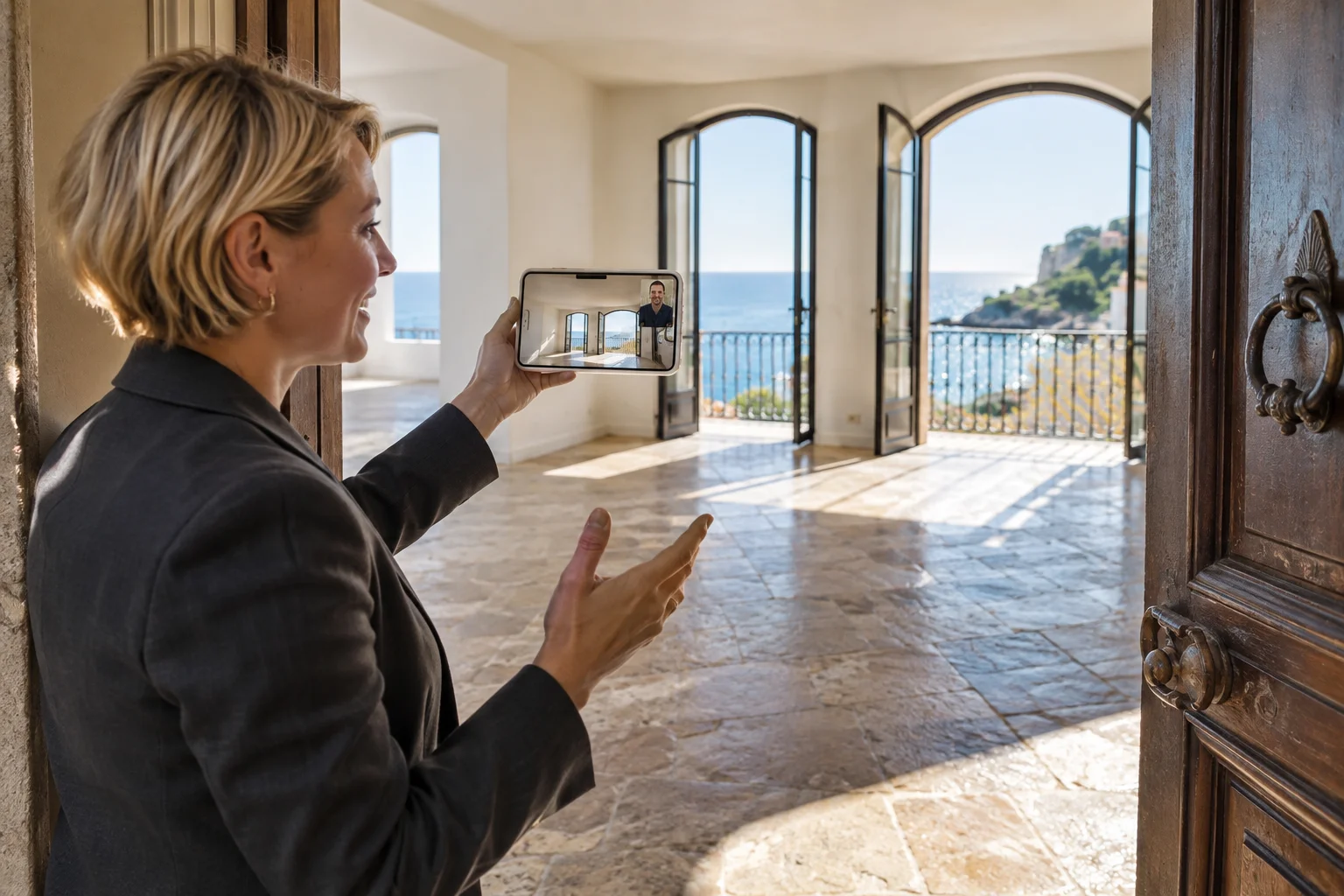
An estate agent holding a smartphone during a video call in an empty apartment overlooking the sea

PREPARE FOR THE ACTUAL CONVERSATION

A few choices
before you begin.

  • Choose Direct or Translated mode for the people involved.
  • Choose each person’s language, allow microphone access and check your connection.
  • Make sure the initiating account has credit for the paid mode.
  • Leave space for one voice at a time when translation is involved.
Explore supported languages ↗

A recording is not a default

Live subtitles help during the conversation. Saving a transcript or recording is an optional, separately charged choice.

Local recording needs a visible indicator and required consent. A saved copy is not a server archive or automatic backup.

Understand saved copies ↗

SOME DETAILS NEED MORE THAN A TRANSLATION TOOL

Confirm what matters.

Speech recognition and translation can introduce errors and delay. Read subtitles, repeat important details and ask the other person to confirm what they understood.

For high-stakes or specialist conversations, use a qualified interpreter where required. Arleyo is not a replacement for certified specialist translation or interpretation.

Processing & privacy ↗

Choose the people.
Then the tools.