Direct one-to-one audio
Talk without translation when you share a language. Direct audio is a way to speak and listen without the translated-speech step.
$2.90 / 1-hour audio package
See all audio packages ↗A CALL THAT FITS THE PEOPLE ON IT
Call on web or Android, invite someone by link, and choose Direct or Translated audio. The person you invite can join in a browser without an account or installation.

YOUR CONVERSATION
Direct / Translated audio
Connection status & reconnect
TWO AUDIO CHOICES
Talk without translation when you share a language. Direct audio is a way to speak and listen without the translated-speech step.
Each person speaks their own language and hears translated speech in their selected language. Live subtitles show original and translated text.
Select what each person wants to speak and hear from the language options for your call. Translation can introduce delays and mistakes; confirm important names, numbers and details.
MAKE THE FIRST MINUTE EASIER
A quick check before sending an invitation can prevent confusion at the start. Choose your mode, confirm the relevant language pair and make sure microphone permission is allowed on the device you plan to use. Sign-in on web or Android uses Google or a one-time email code.
Tell the other person what the invitation is for using the channel you already share. They can open the link, see who invited them and confirm their language without creating a receiver account. They will need microphone permission and an internet connection to participate.
If you want a simple voice conversation, choose audio. If seeing the other person or something they are showing matters, consider video and check that mode’s pricing. Direct and Translated options are available across the stated audio and video formats, but the one-to-one audio package table does not quote a video rate.
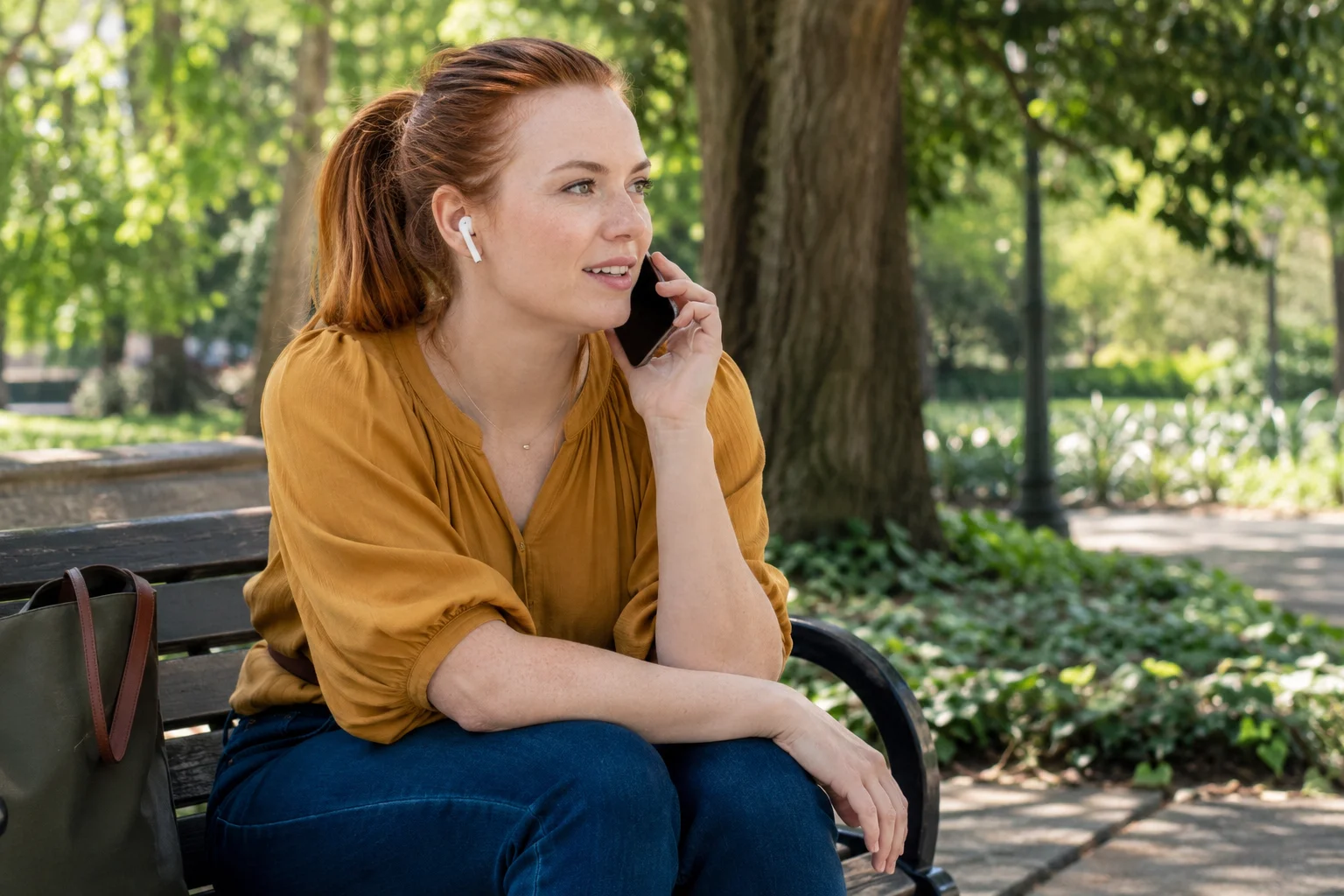
During a translated call, allow time for speech to be recognised, translated and played. Use mute when you need it and keep an eye on connection status. Reconnect behavior relates to the connection; it does not guarantee that an interruption will never happen.
Your default language belongs in Settings, and a saved contact can hold a preferred language. Treat those as starting preferences rather than confirmation of the language pair for this call. Check what each person wants to speak and hear before relying on the translated mode.
Afterwards, review activity and credit consumed in Settings if you want to understand usage. A history entry is not proof that a recording or transcript was saved. Those are separate choices with their own charges and recording-consent requirements.
Sign in on web or Android, choose your audio mode and languages, and make sure you have enough prepaid credit for the paid mode.
Send an invitation using a channel you already use. The person you invite can join in their browser without installing an app.
The guest sees the inviter, confirms their language and allows microphone access. An installed Android app may handle the link; otherwise, the browser does.
WHEN YOU WANT TO SEE EACH OTHER
Video and group video support Direct and Translated modes, alongside group audio. Translated audio groups use one active speaker at a time.
Choose the mode appropriate to your conversation and consult its pricing. Confirmed one-to-one audio package prices are not a published video or group rate.
Explore group conversations & meetings ↗See each other while you speak.
Bring more people into the conversation.
Connect through voice when video is unnecessary.
Translated audio groups use one active speaker at a time.

Mute, speaker, translation on/off and end-call controls let you manage your side of the conversation. Visible connection status and reconnect behavior help you notice when the connection changes.
For translated conversations, pause between turns and use subtitles when you need another way to follow what was said.
Paid calls use the initiating account’s prepaid credit. The invited receiver does not need credit. Unanswered calls are not charged; connected usage is rounded up to minutes.
The minimum wallet top-up is $9.90. Review activity and credit consumed in Settings. Call history records usage, not an automatic recording or transcript.
Separate saving choices ↗