Neighbours
A neighbour sees water near the entrance or notices a damaged gate. They scan the code and describe the situation.
A CONTACT POINT FOR THE PERSON RESPONSIBLE
Let someone tell the responsible person when they notice a problem.
Explain the purpose without revealing your routine

Label the entrance or contact purpose clearly.
Describe the place and practical issue.
The responsible owner can reply in the browser.
THE CONTACT EXPERIENCE, EXPLAINED
A neighbour sees water near the entrance or notices a damaged gate. They scan the code and describe the situation.
A clearly labelled code gives a visitor a way to report an access issue or ask where an item should be left.
Display a code at an appropriate location so a guest or maintenance contact can message the owner about a practical matter.
The label does not need to reveal your private number or home routine. Explain the contact purpose clearly.
Hontra helps people communicate. Urgent hazards require the appropriate emergency or building safety response.
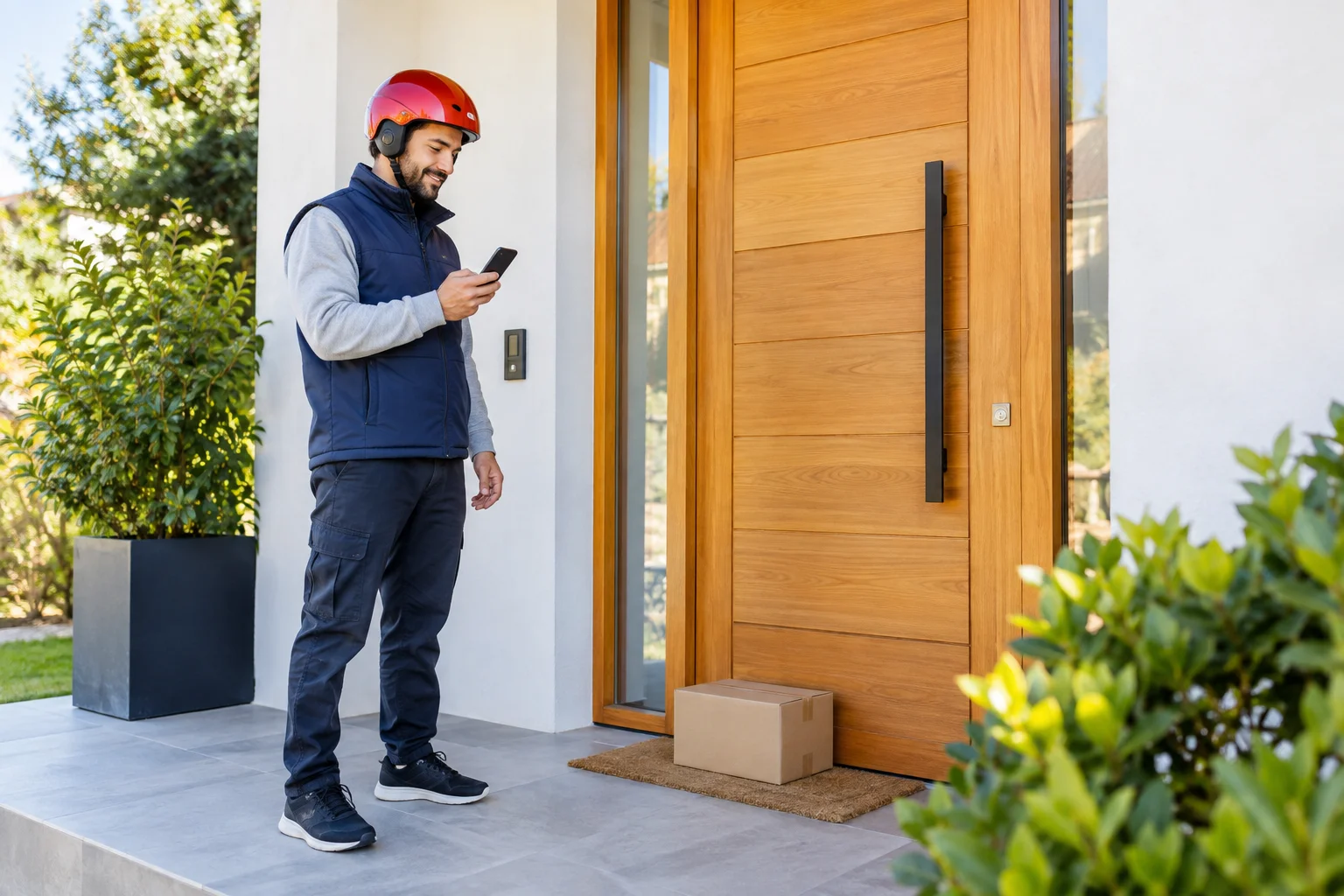
A visitor finds that a shared entrance door will not close. They scan its contact code and tell the responsible owner which door needs attention.
THE PERSON WHO CAN RESPOND
A clearly labelled code can connect a neighbour, visitor or maintenance contact with the person responsible for the location. Naming the entrance or contact point makes the first report easier to understand.
Keep the label about its purpose rather than your private routine. It should not disclose who is away from home or include unnecessary personal details. The browser conversation lets you decide what to share in response.
Use Hontra for appropriate practical contact. A damaged gate or access question can be described in a message; an urgent hazard needs the appropriate building-safety or emergency response.
Private chat →A WILLFRED PRODUCT
Explore how the code, browser conversation and email alert work together. Hontra is a Willfred product, with shared company contact and privacy information.